Key takeaways
- Firmware controls eARC handshaking, Atmos and DTS:X decoding, and the wireless radios inside a soundbar, none of which an app update can touch.
- Update failures are uncommon and almost always caused by a power or network interruption during the flash rather than a bad file.
- A unit that shows no lights and does not respond after a failed update usually needs manufacturer recovery tools or service, not more power cycling.
- Reading the actual release notes before installing tells you whether an update is routine or worth doing the same day.
- Checking your current firmware version against the newest release notes takes two minutes and can solve a fault before you touch a single setting.
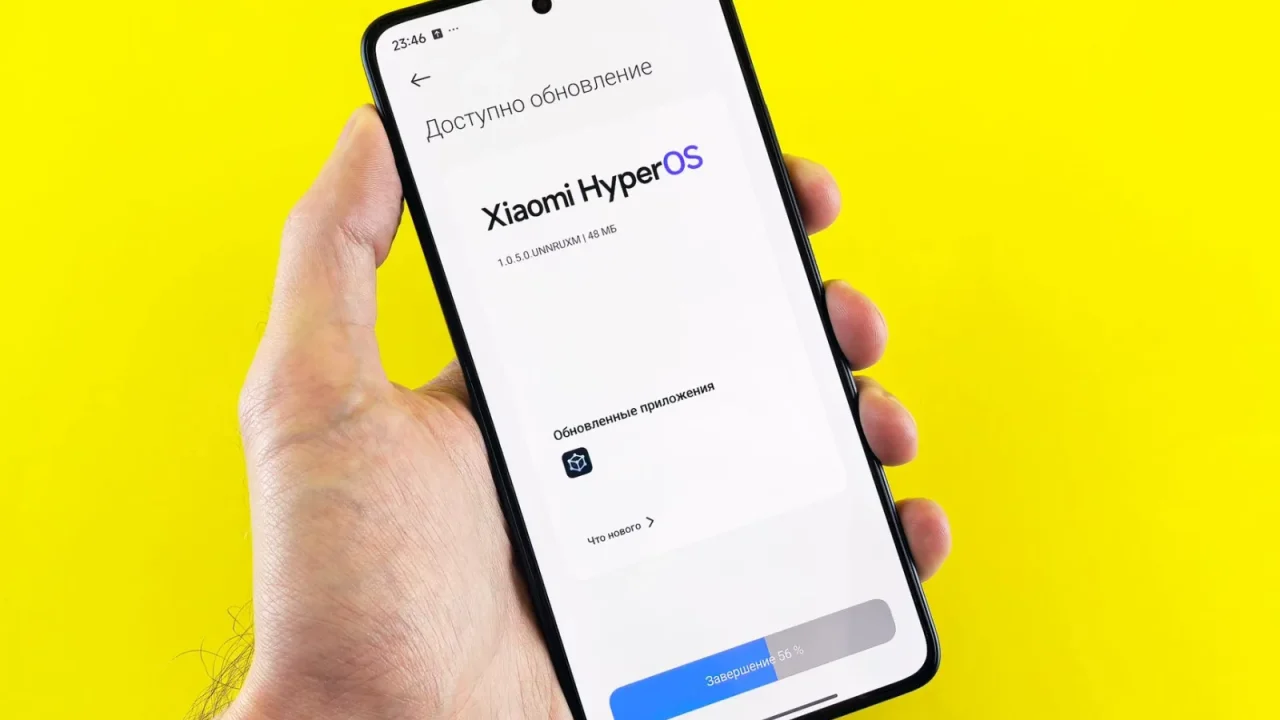
A Samsung HW-Q990D I service every few months popped up a banner reading “New software available” for the fourth time this year. The owner asked whether he actually had to install it, or whether it was the audio equivalent of a phone update nobody wants. Both answers are yes, depending which update it is.
Firmware is the internal software that runs the soundbar itself, separate from any app on your phone. Get an update wrong, power cut mid-install, wrong file for the region, and a small number of bars will not turn back on. That risk is real but manageable, and this is the primer I give clients before they tap install.
This matters more for a soundbar than for almost any other device in the room, because unlike a phone or a laptop, most bars have no independent recovery mode, no separate boot partition to fall back on if the main firmware gets corrupted mid-write. What you are trusting the update process with is the only copy of the software the unit has.
What a firmware update actually changes
The firmware is what decodes Dolby Atmos and DTS:X, negotiates the eARC handshake with your TV under the HDMI 2.1 specification, runs the Bluetooth and Wi-Fi radios, and manages HDMI-CEC. None of that lives in an app. An app update on your phone might change how the remote control looks, but it cannot touch any of those functions.
When a manufacturer says a soundbar now supports DTS:X after launch, on a unit that shipped with Dolby Atmos decoding only, that is a firmware change, not new hardware. The digital signal processor was capable of it all along, and the update enables the decoding path already built into the chip.
A Denon AVR-X1800H receiver works the same way at a larger scale: its firmware governs every HDMI input’s handshake, every surround decoding mode, and the network streaming stack, all in one file that has to be written correctly in a single pass. A receiver simply has more of these functions bundled into the same risk.
What updates typically fix or add
Most releases are mundane: a fix for a specific TV model that would not maintain an eARC connection after standby, a Bluetooth pairing bug, a Wi-Fi dropout under a specific router firmware. Manufacturers usually push two to four updates a year for a current model, tapering off after three to five years as support ends.
Less often, an update adds a genuinely new capability: expanded surround decoding, a new streaming protocol, support for a partner ecosystem joining later. Read the release notes before installing. A one-line stability note is low risk. A note describing a specific fix for a problem you actually have is worth installing promptly.
An LG S95TR that gains support for an additional surround format some months after launch is a good example of this pattern: the hardware was capable from day one, and a firmware release simply turns the capability on once the manufacturer finishes validating it against enough TV models.
What can genuinely go wrong
The update file, often 20 to 80 MB depending on the model, has to download completely and flash to the unit’s internal memory without interruption. A power cut, a Wi-Fi drop mid-download, or pulling the plug because it seemed stuck during the three to eight minutes a flash usually takes, can corrupt that memory.
A soundbar with corrupted firmware may not power on at all, or it powers on with no display and no sound, effectively bricked. This is uncommon. Across many years of installs I can count the outright failures on one hand out of several hundred update attempts, but it is not zero, and it is the one home theater task where interrupting a routine process has real consequences.
The risk scales with how the update reaches the unit. A wired ethernet connection completing a download in under a minute carries far less risk than a weak Wi-Fi signal stretching the same download to several minutes, since every extra minute is another chance for a dropout mid-transfer.
When it is not recoverable at home
If a soundbar shows no lights, no display, and does not respond to a factory reset combination after a failed update, that is usually beyond anything you can fix yourself. Do not keep power cycling it repeatedly. Contact the manufacturer’s support line with the model and serial number before attempting anything further.
Some manufacturers offer a USB recovery file you load onto a flash drive to force a re-flash, and this works for a genuine subset of failures. Others require the unit be sent to an authorised service centre, and a small number of older or discontinued models have no recovery path published at all, which means a bricked unit is simply dead.
Manufacturers rarely publish clear recovery instructions up front, which is frustrating precisely when you need them, since the information tends to live in a support ticket reply rather than a public manual. Searching your exact model number alongside the words firmware and recovery on the manufacturer’s own support site is usually more productive than a general web search.
When to update and when to leave it alone
Update promptly when the release notes describe a fault you are actually experiencing, a security patch is mentioned, or your TV or streaming device just changed and needs the newest eARC or HDMI-CEC compatibility fixes to keep working. Update on a schedule, roughly whenever prompted, if you have never had an issue and just want to stay current.
Consider waiting a week or two on a brand new firmware release for a model that is already working perfectly for you, since early adopter problems on other units sometimes surface in owner forums within days. There is no upside to being first with a system that already does everything you need it to.
- Update the same day if the notes describe a fault you are actually having
- Update within the week for a routine release with no issues reported anywhere
- Wait a week or two on a brand new release for a system already working well
- Never start an update with less than twenty minutes before you need the system for something else
How to update without unnecessary risk
- Connect the soundbar to mains power directly, not through a switch that could be knocked off
- Use a wired ethernet connection to the bar or router if either supports it, rather than relying on Wi-Fi mid-update
- Do not use any connected device, TV, phone, remote, until the update confirms complete
- Check that your Wi-Fi router is not scheduled for its own restart or update in that window
Many current soundbars, including higher-end models from Sony and LG, display an explicit progress indicator or confirmation screen when updating. If your model does not show clear progress, wait for a solid light change or an audible chime rather than guessing when it has finished before you touch anything.
If your home has had power cuts in the past, a basic battery backup sized for one soundbar and a router, commonly 50 to 100 USD, removes that risk entirely for the few minutes an update actually takes. It is a small cost against a unit that otherwise has no recovery path at all.
The first thing to actually do
Before installing anything, check your current firmware version against the manufacturer’s support page for that model, and read what the newest release notes actually say. That takes two minutes and tells you whether this is a routine update worth doing on your own schedule, or one worth doing tonight.
If your system already has an unresolved fault, an eARC handshake that drops, or sound cutting out every few minutes, check whether the newest firmware release specifically addresses it before you spend an evening on any other fix. If the fault is instead that the unit is now completely unresponsive, that is a job for a factory reset, not another firmware attempt. That single version check has solved more service calls than any setting I have ever adjusted.
Firmware is one of the few places in a home theater system where doing nothing is often the safer choice than acting purely out of habit. Update with a reason, not a reflex, and the risk described throughout this piece stays close to zero.
Questions readers ask about this
Yes, though it is uncommon. Failures are almost always caused by a power cut or lost network connection during the three to eight minute flashing process, not a fault in the update file itself. Keeping the unit on stable power and off Wi-Fi mid-update removes most of the risk.
Most current models receive two to four updates a year while actively supported, tapering off after three to five years as the manufacturer moves on to newer hardware. Once a model stops receiving updates entirely, that is usually a sign it is nearing the end of its supported life.
Not always. If the release notes only mention general stability improvements and your system works fine, waiting a week or two lets any early problems surface in owner forums first. If the notes describe a fault you are experiencing, install it the same day.
Stop power cycling it repeatedly and check the manufacturer's support site for a USB recovery file for your exact model, which some brands provide for this specific failure. If none exists or it does not work, contact support with your serial number, since a small number of older models have no recovery path at all.
Occasionally, though manufacturers rarely advertise it. A feature tied to a licensing agreement or a partner service can be withdrawn in an update if that agreement ends, which is one more reason to read release notes rather than installing on autopilot every time.

About the author
Rahul Gupta
Rahul Gupta has spent nearly a decade quietly wiring living rooms, testing soundbars in every awkward apartment layout imaginable, and untangling the kind of HDMI handshake problems that make people give up on Atmos altogether. He writes here about what actually works when you get the boxes home—not what the spec sheet promises. If a piece of gear on this site earns a recommendation, it earned it in a real room with real furniture, not a lab.