Key takeaways
- The TV's own speakers left switched on alongside the soundbar is the single most common cause of a doubled, echoey sound, and it costs nothing to rule out.
- A hard floor facing a hard wall across 4 to 6 metres reflects sound with a round trip delay of roughly 20 to 30 milliseconds, long enough for the ear to hear it as a distinct repeat rather than part of the original sound.
- A Hall, Stadium, or aggressive Surround sound mode adds reverberation on purpose, and switching to Standard or Movie mode clears it instantly if that is the actual cause.
- Rugs, curtains, and upholstered furniture do more to shorten a room's reflections than expensive acoustic panels, and are the right first purchase in a bare, hard-surfaced room.
- If none of the four common causes apply, the real problem is more likely a resonant bass frequency or a failing amplifier channel, not an echo at all.
A customer in a converted loft called last spring insisting his new soundbar was broken. Every line of dialogue seemed to repeat itself a fraction of a second later, like a bad dub track. The soundbar was fine. His living room had a polished concrete floor, a wall of glass doors, and almost nothing soft in it, which is close to a perfect recipe for the kind of echo that gets blamed on the wrong thing.
Echo complaints in a hard-surfaced room usually trace back to one of four causes, and they are not equally likely. Work through them in order, because the fix for one does nothing for another, and buying acoustic panels will not solve a setting that got left on by mistake.
When the TV’s own speakers are still switched on
This is the single most common cause I find on a call-out, and it costs nothing to check. Most televisions keep their internal speakers active even after a soundbar is connected over eARC or ARC, unless you tell the TV directly to stop using them.
The TV decodes and outputs its own copy of the audio at roughly the same moment the soundbar receives and processes its copy, and the two rarely finish at exactly the same instant. A gap of even 20 to 40 milliseconds between two copies of the same voice is enough for most ears to stop hearing one voice and start hearing a doubled, slightly smeared one.
The test takes about ten seconds. Open the TV’s sound settings, find Speaker Selection, Speaker List, or Sound Output, and set it to External Speaker or Soundbar rather than TV plus External. If the echo disappears the moment that setting is saved, this was the whole problem, and both the TV and the soundbar playing at once turns out to be far more common than most owners assume.
The exact wording varies by brand, which is most of why this setting gets missed for months. Samsung lists it under Sound Output as TV Speaker versus External Speaker, LG calls it Sound Out with a Soundbar option, and Sony buries it inside Speakers under Audio Output. None of them explain on screen what leaving both switched on actually does to the sound.
When hard, parallel surfaces are bouncing the sound back
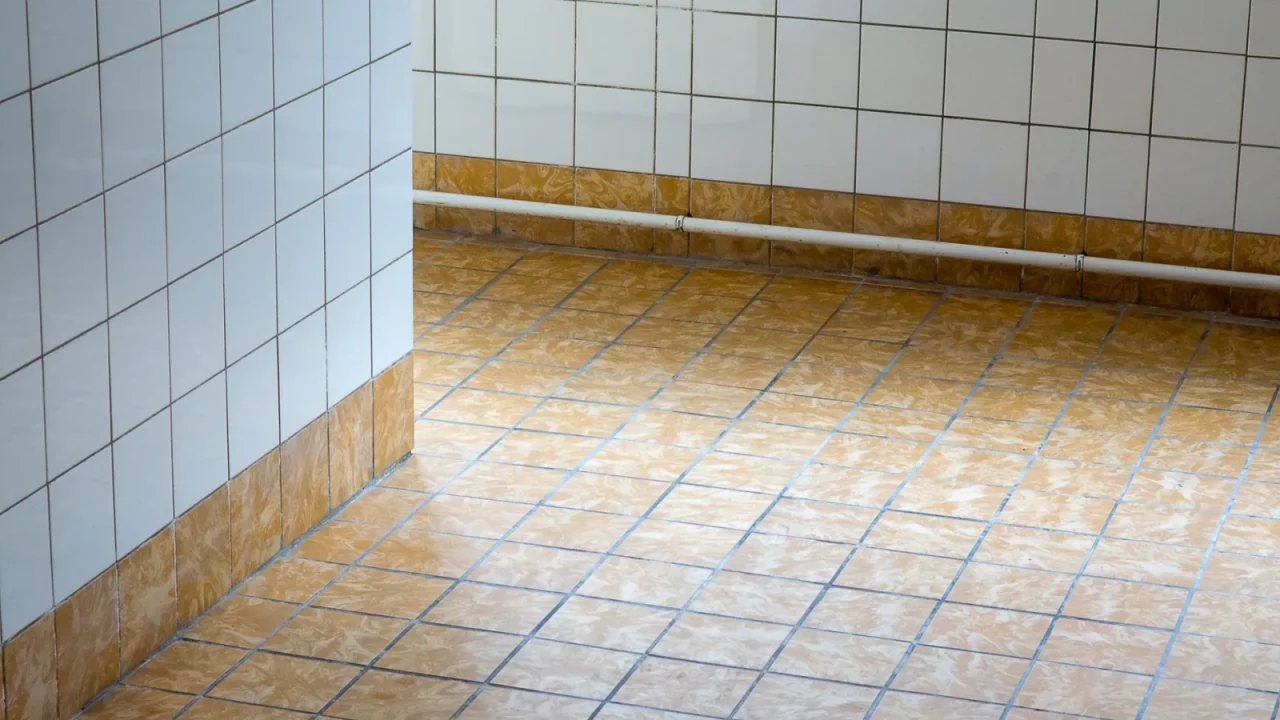
If muting the TV speakers changes nothing, the next suspect is the room itself. A hard floor facing a hard wall, especially across a gap of 4 to 6 metres, gives sound a clean surface to bounce off in both directions and very little in the room to soak up the energy along the way.
Sound travels at roughly 343 metres per second, so a round trip across a 5 metre gap between two hard, parallel surfaces takes around 29 milliseconds. That sits close to the point where the brain stops fusing a reflection into the original sound and starts hearing it as a separate repeat, sometimes called flutter echo or slap echo.
The test is a single sharp handclap. In a room with this problem, the clap comes back as a short, ringing noise rather than dying out cleanly. Try the same clap in a carpeted bedroom with curtains and the difference is obvious immediately.
Ceiling height matters as much as floor and wall material. An open-plan room with a 3 metre ceiling and no furniture gives sound an extra vertical surface to bounce off, on top of the horizontal one, which is why loft conversions and converted garages are especially prone to this exact complaint.
Rugs, curtains, and upholstered furniture do most of the work here, not expensive acoustic panels. A rug around 2 by 3 metres and a pair of heavy curtains across a glass wall will noticeably shorten a room’s reflections within an afternoon.
Soft furnishings absorb high and mid frequencies far more effectively than low ones, which is why a treated room can stop echoing and still sound a little boomy in the bass. That is a separate problem with its own fix, covered in acoustic treatment that actually helps, with furnishing specifics in how carpet, curtains, and sofas change sound.
When a surround or hall sound mode is adding the effect on purpose
Some soundbars ship with a Hall, Stadium, or heavily processed Surround sound mode that adds synthetic reverberation to imitate a bigger venue. It suits live music footage reasonably well, and on dialogue-heavy content it can sound exactly like an echo problem the room does not actually have.
Switch the soundbar to Standard, Movie, or Direct mode, whichever option on that model removes added ambience, and play the same scene again. On a Samsung HW-Q990D or an LG S95TR this is one button on the remote, usually labelled Sound Mode or Sound Field, cycling through four or five presets. What each preset actually changes is covered in sound modes and EQ presets decoded.
When a paired device is playing the same audio a beat behind
The fourth cause is a second device quietly playing the same source, out of step with the soundbar. A phone mirroring audio over Bluetooth, a smart speaker grouped into the same multi-room zone, or a second soundbar left powered on in another room can all add a delayed copy of the same signal.
Bluetooth alone typically adds 100 to 200 milliseconds of latency, well past the point where two copies of a voice still sound like one source. Check any companion app for grouped or paired devices, disconnect anything that should not be included, and play the same scene again before blaming the room or the soundbar.
A tenant in a two bedroom flat fought this for weeks, certain her new Bose Smart Ultra was defective, before realising a phone left connected to the bar over Bluetooth from the next room was quietly streaming the same show half a second behind the eARC connection. Disconnecting the phone fixed it instantly, no repair, no return.
| Cause | What it actually sounds like | The test that confirms it |
|---|---|---|
| TV speakers still on | A slightly doubled, phasey voice, worse toward the sides of the room | Mute the TV’s internal speakers in its own audio settings |
| Hard, parallel surfaces | A short, ringing slap after sharp sounds like a clap or a door closing | Clap once and listen for a metallic repeat |
| Hall or surround sound mode | Reverb added evenly across everything, including quiet dialogue scenes | Switch to Standard, Movie, or Direct mode |
| A second paired device | An echo that shifts, or disappears, depending on where you stand | Check for a grouped Bluetooth or multi-room device |
What a clean result on all four checks actually tells you
If the TV speakers are off, a clap dies cleanly, the sound mode is neutral, and nothing else is paired in, the cause is probably not an echo at all. It is more likely a resonant boom at one specific frequency, which the ear can mistake for echo but which is really the room reinforcing a single note, covered in fixing boomy bass in a small room.
It is also worth ruling out a genuine hardware fault. A failing amplifier channel or a loose internal connection can produce a stutter or repeat that sounds superficially like echo but does not respond to any of the fixes above, in which case work through a working method for soundbar troubleshooting before assuming the room is to blame for something the hardware is actually doing.
Most TVs route audio to a soundbar over HDMI ARC or eARC, defined in the HDMI 2.1 specification, and neither connection has anything to do with whether the television’s own speakers stay switched on at the same time. None of the fixes above cost more than an afternoon, and the TV setting costs nothing at all, so start there before spending money on rugs, panels, or a repair call that a five second menu change would have solved.
None of this requires a technician’s visit either. A callout to check these four things typically runs somewhere between 80 and 150 US dollars, money far better spent on a rug or a pair of curtains once the room itself turns out to be the actual cause.
- Mute the TV’s internal speakers and listen again
- Clap once and listen for a ringing tail off hard surfaces
- Switch off any Hall, Stadium, or aggressive Surround sound mode
- Check for a paired Bluetooth or multi-room device playing the same source
- If none of these change anything, suspect a room resonance or a hardware fault instead
Questions readers ask about this
Dialogue sits in a narrow frequency band and usually comes from a single center channel, so a doubled signal from TV speakers left on, or reverb from a Hall sound mode, is far easier to notice on a lone voice than in a busy mix of music and effects where it gets masked.
Not reliably. Lowering the volume only reduces the level of the TV's own speakers, it does not disable them, and even a quiet second copy of the same audio a few milliseconds behind the main one can still sound like a doubled voice. Use the Speaker Selection setting instead of the volume control.
No. Acoustic panels only change how a room reflects sound, they do nothing to a synthetic reverb effect the soundbar itself is generating in a Hall or Stadium mode. Check every setting first, since panels bought to fix a setting problem are money spent on the wrong repair.
As a rough guide, a rug covering 50 to 60 percent of a hard floor plus heavy curtains across any glass wall clears noticeable flutter echo in most rooms up to about 20 to 25 square metres. Larger or harder rooms, with tile or polished concrete throughout, usually need more coverage.
Occasionally. Some updates reset the sound mode back to a factory default that includes added ambience or a wider Surround setting, which reads as a new echo problem. Check the sound mode again after any update before assuming the update itself broke something in the hardware.

About the author
Rahul Gupta
Rahul Gupta has spent nearly a decade quietly wiring living rooms, testing soundbars in every awkward apartment layout imaginable, and untangling the kind of HDMI handshake problems that make people give up on Atmos altogether. He writes here about what actually works when you get the boxes home—not what the spec sheet promises. If a piece of gear on this site earns a recommendation, it earned it in a real room with real furniture, not a lab.