Key takeaways
- The Atmos audio track itself typically needs under 1 Mbps. It is the accompanying 4K HDR video, usually 15 to 25 Mbps, that sets the real bandwidth requirement.
- A wired ethernet connection to your streaming device delivers far closer to your plan's advertised speed than Wi-Fi does once walls, distance, and other devices are involved.
- A streaming app's own data saving setting can cap bitrate well below what your connection could actually deliver, which looks identical to a slow internet plan.
- Checking your soundbar or receiver's own display for an Atmos indicator during playback tells you more than any speed test, since a fast connection can still deliver a stream your device decodes incorrectly.
- A single slow speed test from across the room usually blames the wrong culprit. Test from the device's actual location, wired where possible, before assuming your internet plan is at fault.
Use the table below to check your connection against what each service actually asks for, then read the caveats underneath it before blaming your Wi-Fi for a problem that started somewhere else entirely.
What each major streaming service recommends for 4K Atmos content
Netflix’s own help pages list 15 Mbps as the recommendation for its Ultra HD tier, which is the tier that carries Dolby Atmos titles. Disney Plus publishes 25 Mbps for 4K UHD content in its help centre. Prime Video, Apple TV Plus, and YouTube all publish broadly similar guidance for their own 4K tiers, generally in the 15 to 25 Mbps range, though the exact figure varies by title and by how each service encodes a given stream.
| Service | Published 4K guidance | Note |
|---|---|---|
| Netflix | 15 Mbps | Listed for the Ultra HD plan tier |
| Disney Plus | 25 Mbps | Listed for 4K UHD playback |
| Prime Video | Around 15 to 25 Mbps | Varies by title and encode |
| Apple TV Plus | Around 25 Mbps | For 4K HDR playback |
| YouTube | Around 20 Mbps | For 4K content generally |
These are recommendations, not hard minimums. A connection running slightly under a published figure often still plays a 4K Atmos title, just with more frequent quality drops during a busy evening when other devices in the house are also online.
What the Atmos track itself actually costs, separate from the picture
Streaming Atmos rides on Dolby Digital Plus, a compressed codec that typically runs somewhere under 1 Mbps for a full object based mix. That is a small fraction of a 15 to 25 Mbps 4K stream. The video carries almost the entire bandwidth budget, not the sound.
This is why a household that streams in 1080p rather than 4K, perhaps on an older TV, still gets the complete Atmos mix without needing anywhere near the bandwidth a 4K picture demands. The audio format and the video resolution are billed separately, and it is worth checking what audio format your specific plan and app tier actually deliver if the Atmos badge is missing despite a fast connection.
Wired against Wi-Fi: the same plan, two different real numbers
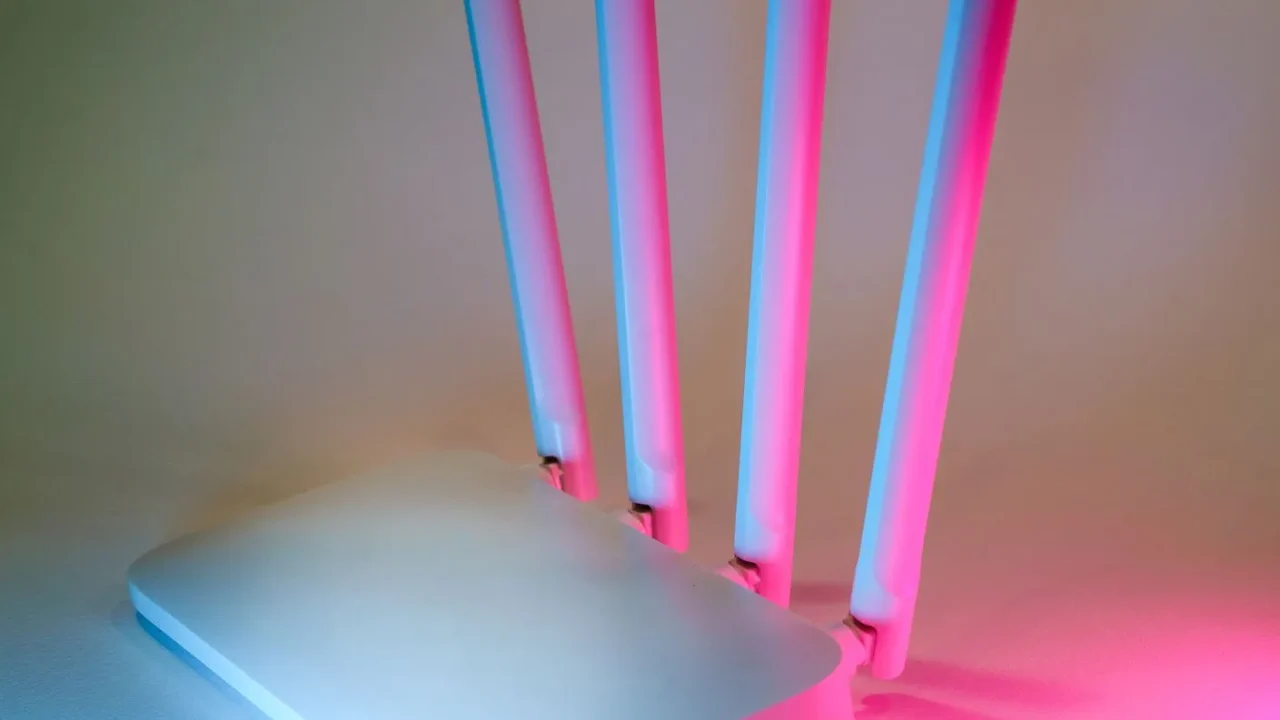
A 200 Mbps internet plan does not mean 200 Mbps reaches your streaming stick. A 2.4 GHz Wi-Fi signal through two interior walls commonly delivers somewhere in the range of 20 to 40 Mbps at the device, regardless of what the plan itself is capable of. A 5 GHz signal at close range does much better, but drops sharply with distance and walls.
A wired ethernet connection, run directly from the router or a nearby switch to the streaming device, typically delivers a figure much closer to the plan’s advertised speed, since it removes wireless interference and distance from the equation entirely. A $15 to $30 USB to ethernet adapter is often the single cheapest fix for a streaming device that buffers despite a fast internet plan.
If running a cable is not practical, move the router or a Wi-Fi extender to a point with a clear line of sight to the TV. A single interior wall between the two usually costs less throughput than a full floor’s worth of distance.
Confirming what you are actually receiving
Run a speed test from the device’s actual location, not from a phone standing next to the router. A phone reading 300 Mbps in the same room as the router tells you nothing about what reaches a streaming stick two rooms away.
Check your soundbar or receiver’s own display during playback rather than trusting an on screen Atmos icon. How eARC actually carries the format covers why the receiving device, not just the connection speed, decides whether the object metadata actually survives to your speakers.
- Test speed at the streaming device itself, ideally wired, not from a phone near the router
- Check the app’s own streaming quality or data saver setting before assuming the connection is the problem
- Watch the soundbar or receiver’s front display for an Atmos indicator during playback, not just the TV’s on screen badge
- Rule out other devices on the same network during peak hours before blaming the plan itself
When the numbers add up but Atmos still will not play
Most streaming apps include a data saving or lower quality setting that deliberately caps bitrate well below what your connection can deliver, sometimes down around 0.3 to 1 Mbps regardless of your actual plan speed. Netflix, Disney Plus, and most others all include this option somewhere in account or playback settings, and it silently overrides a fast connection.
A VPN routed through a distant server can cut real throughput by half or more, even on a connection that tests fast without it. If Atmos or 4K quality dropped right after turning on a VPN, that is very likely the cause, not your internet provider.
An older streaming stick or a budget smart TV app can also cap decoding at Dolby Digital Plus 5.1 regardless of available bandwidth, simply because that device was never built to bitstream the full object based mix. Why a streaming Atmos mix is not the same file as a Blu-ray one explains the format difference in more depth, since a disc’s lossless track has entirely separate requirements from anything travelling over an internet connection.
A household with a fast connection, a wired streaming device, and a data saver setting left switched on can spend an evening troubleshooting a soundbar that was never the actual problem. Checking the app’s own settings costs nothing and rules out the most common false alarm before anything else gets unplugged.
How many devices are actually sharing the connection at once
A single 4K Atmos stream needs roughly 15 to 25 Mbps, but a household rarely runs just one device. A family with a 4K stream in the living room, a tablet streaming music upstairs, a laptop backing up photos, and a game console downloading an update overnight can easily push combined demand well past 50 Mbps during a single evening.
A 200 Mbps plan handles that combination without much trouble. A 50 or 75 Mbps plan, common on older or budget internet packages, can start dropping quality on the 4K stream specifically, since the router has to divide a smaller total pool across every active device at once. This is worth checking directly with your provider’s account page, since many plans have quietly changed speed tiers over the years without the household noticing.
A specific evening this shows up clearly: a two bedroom apartment on a 60 Mbps plan, three streaming devices active after eight in the evening, one console patching in the background. The 4K Atmos film on the main TV dropped to standard definition twice in the first twenty minutes, and pausing the console’s download resolved it immediately, with the internet plan itself never at fault.
Ethernet, powerline, and options when a cable run is not practical
Running an actual ethernet cable from router to streaming device remains the most reliable fix, but is not always practical through a finished wall or across a rented apartment. Powerline adapters, which send a network signal over a home’s existing electrical wiring, are a reasonable middle ground, typically delivering 100 to 300 Mbps in real conditions depending on the age and layout of the home’s wiring.
A dedicated Wi-Fi extender or a mesh satellite node placed roughly halfway between the router and the TV usually beats trying to push a single router’s signal through several rooms unassisted. Placement matters more than the price tag on the hardware itself. A node stuck in a cupboard performs far worse than the same node on an open shelf at roughly the same height as the TV.
Internet service providers themselves also throttle or deprioritise streaming traffic during peak congestion hours in some areas, typically the early evening, regardless of your home network setup. If quality drops appear only between about six and ten in the evening and clear up late at night, the cause may sit outside your home entirely, and it is worth asking your provider directly whether peak hour management applies to your account.
Broadband speed claims themselves follow guidance from bodies such as the Consumer Technology Association, and the audio format travelling over that connection is documented directly by Dolby’s own technology pages. Both are worth checking directly if a specific service’s numbers change after this was written.
Questions readers ask about this
No. Atmos audio typically needs under 1 Mbps regardless of your plan speed. A faster plan mainly buys a more stable 4K picture and fewer quality drops during busy evenings, not a different or better version of the audio track itself.
Wi-Fi rarely delivers a plan's full advertised speed to a specific device, especially through walls or at distance. A wired ethernet connection, or a USB to ethernet adapter costing $15 to $30, usually closes that gap far more than upgrading the plan again.
Usually yes for two to three simultaneous 4K streams, since each one needs roughly 15 to 25 Mbps. Four or more 4K streams running at once in a busy household can start competing for the same bandwidth and trigger automatic quality drops.
Yes. Most major streaming apps include a setting that deliberately caps bitrate to save data, sometimes down to a fraction of a megabit, and it overrides your connection speed entirely. Check this setting before assuming your internet plan is the problem.
It can, since each hop between mesh nodes adds some overhead compared with a single router. A streaming device connected to the mesh node nearest it, or wired directly, generally sees more consistent throughput than one relying on a distant node through several walls.

About the author
Rahul Gupta
Rahul Gupta has spent nearly a decade quietly wiring living rooms, testing soundbars in every awkward apartment layout imaginable, and untangling the kind of HDMI handshake problems that make people give up on Atmos altogether. He writes here about what actually works when you get the boxes home—not what the spec sheet promises. If a piece of gear on this site earns a recommendation, it earned it in a real room with real furniture, not a lab.