Key takeaways
- Most flat sounding Atmos setups trace back to a PCM output setting on the source device, not a hardware fault in the speakers themselves.
- An Atmos badge on the display only confirms the receiver detected object metadata, not that the height speakers are contributing anything audible.
- Height channel trim is often left low after a rushed auto calibration run, and raising it 2 to 3 dB by hand fixes more systems than a firmware update does.
- A speaker configuration mismatch, such as height channels set to None while units are physically wired, silences the layer completely with no error message.
- If every check clears and the system still sounds flat, the content itself may carry only a light height mix, and a reference scene confirms whether the hardware is actually at fault.
The receiver display says Atmos in blue letters. On screen a helicopter crosses overhead, rain hammers a rooftop, glass breaks somewhere above the frame. None of it moves. The mix sits at ear level like an ordinary surround track, and the ceiling might as well be empty.
This is one of the most common calls I get after an install, sometimes my own, more often somebody else’s. The badge is lit, so the owner assumes the format is working and the room must just be too big for it. After eleven years of chasing this exact complaint, the room is rarely the problem.
The cause is almost always something small in a menu, set wrong once and never checked again. Here are the causes in the order they actually turn out to be the answer, most common first, with the test that clears or confirms each one.
One recent job makes the pattern clear. A customer had a Denon AVR-X1800H driving a 5.1.2 layout, badge lit every time, yet the ceiling speakers might as well have been decorative. The streaming stick feeding the receiver had quietly reverted to a stereo output profile after a software update, a change that never once appeared as an error on screen and had nothing to do with the receiver, the speakers, or the room.
The source is still sending PCM instead of bitstream
This is the single most common cause, by a wide margin. Most streaming boxes, games consoles, and smart TV apps have an audio output setting with two real options: PCM or Bitstream, sometimes labelled Auto or Passthrough. PCM means the source device has already decoded the track itself, stripping the object metadata that Atmos depends on, and handing the receiver a plain stereo or 5.1 signal with nothing left to render.
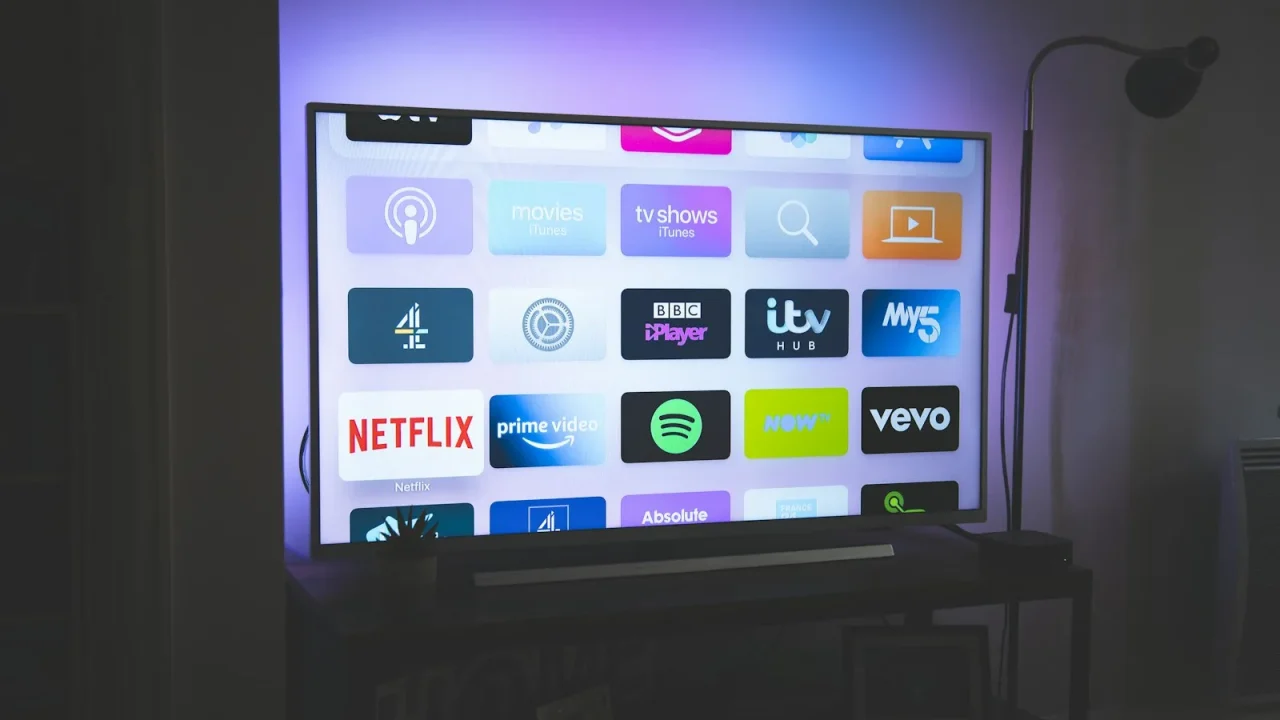
Understanding the difference between bitstream and PCM output is worth ten minutes on a Saturday morning. On an Xbox this setting lives under audio output, on a Fire TV or Apple TV it sits under audio format, and on most televisions it is buried inside the external speaker or eARC menu. Set it to Bitstream, Dolby Digital, or Auto, never to PCM or Stereo, if a receiver or soundbar is doing the decoding.
If audio is coming from the TV’s own streaming apps rather than a separate box, check the TV’s bitstream setting too. Some models default to PCM for built-in speaker compatibility and never surface a warning once eARC is connected.
The Atmos badge is lit for a mix with almost no height information
An Atmos badge confirms one thing only: the receiver has decoded Dolby Digital Plus or Dolby TrueHD metadata that includes object data. It says nothing about how much of that mix actually uses the height layer. Some films use overhead speakers constantly. Plenty of television, most sitcoms, and a fair amount of older catalogue content carries only a token scattering of height cues across ninety minutes.
Checking which titles are mixed with real overhead activity saves an afternoon of blaming the hardware. Dolby’s own reference material, including the demo content built for the format, uses height aggressively on purpose, which is exactly why installers use it to prove a system works before troubleshooting anything else.
Play a scene known for genuine overhead movement, a rainstorm, a low flying aircraft, anything Dolby lists in its own Atmos technology overview, before assuming a flat sounding sitcom means broken hardware. Often it just means a quiet mix.
Broadcast television is its own case. Live sport and most cable news are still delivered in plain 5.1 or stereo, so a receiver correctly reports no Atmos at all for that source, which some owners mistake for a fault rather than an accurate reading of what was actually sent.
Height channel trim was left near zero after a rushed calibration
Automatic room correction systems set individual channel levels during their test tone sweep, and height channels are the ones most often left low, sometimes 4 to 6 dB under the front channels, especially if the microphone was propped at ear height rather than the actual listening position. A speaker that is technically working but trimmed 5 dB down against the rest of the mix will sound like it is barely there.
Pull up the manual level trim menu and check each height channel individually. Raising an under-trimmed height pair by 2 to 3 dB is often the entire fix, and it takes less time than most firmware updates. If you have never run a proper sweep, or moved furniture since the last one, a session with a calibration microphone is worth the twenty minutes it takes.
Watch for the microphone being placed at head height on a stand rather than propped on a cushion or the arm of a sofa, since the sweep records the room from wherever the microphone actually sits. A sweep taken 30 cm below actual ear height will read the height channels as needing less boost than they really do, and the flat sound follows from there.
The speaker configuration does not match what is actually wired
Every AV receiver has a menu, usually called Speaker Configuration or Amp Assign, where height channels get told whether they exist at all. If a previous owner, a factory reset, or an app update set that field to None while two height speakers sit wired and waiting, the receiver will never send them a signal, badge or no badge.
This is the fault I find most often on secondhand receivers and after a factory reset that nobody expected to touch the speaker layout. Confirm the configuration menu lists your actual layout, 5.1.2, 5.1.4, or 7.1.4, whatever applies, and that it matches the channels physically connected, not what shipped as the default.
Up-firing drivers have nothing usable to bounce off
Soundbars and speakers with up-firing drivers do not send sound to the ceiling directly to your ears. They fire upward, bounce the sound off a flat, hard, reasonably close ceiling, and rely on that reflection reaching the seating position at the right angle. Whether up-firing speakers actually work depends entirely on the ceiling above them.
A ceiling higher than roughly 3.7 metres (12 feet), a vaulted or angled ceiling, open shelving, a ceiling fan, or heavy acoustic tile can all absorb or scatter the reflection before it arrives. In that situation the badge lights up, the driver is doing its job, and the room simply will not return the sound the way a flat 2.4 to 2.7 metre ceiling would. Checking where the reflection point actually lands before assuming the speaker is faulty saves a return that was never justified.
When every check passes and it still sounds flat
Occasionally none of this applies. The output is bitstream, the content is genuinely height heavy, the trims are even, the configuration is correct, and the ceiling is a good one. At that point the fault usually sits upstream: an HDMI switch, an old AV receiver in the chain, or a cable rated below the roughly 18 Gbps that lossless formats need over eARC, all of which can silently strip metadata with no on screen warning at all. The HDMI 2.1 specification covers the bandwidth eARC needs to carry these formats intact.
At that point, pull anything out of the signal chain that is not the source, the receiver or bar, and the TV, and test again with a single cable run. Most remaining cases resolve there. It is a duller answer than a broken speaker, but it is the one that is actually true most of the time.
On the rare job where a single cable run still does not fix it, the last thing worth checking is the soundbar or receiver’s own firmware version against the manufacturer’s release notes, since a small number of models did ship with genuine Atmos decoding bugs that were later patched. That is the exception, not the rule, and it should be the last box you tick, not the first.
- Source audio output set to Bitstream or Auto, never PCM
- Test content confirmed to use height channels heavily
- Height channel trim checked individually, not assumed
- Speaker configuration menu matches the physical wiring
- Signal chain reduced to one cable run if all else checks out
Questions readers ask about this
The Atmos indicator only confirms the receiver has decoded Dolby Digital Plus or Dolby TrueHD metadata carrying object data, not that your height speakers are reproducing it audibly. Height trim set too low, a speaker configuration mismatch, or up-firing drivers with nothing to reflect off can all leave the badge lit while the overhead layer contributes almost nothing you can hear.
Yes. A cable that cannot sustain the bandwidth for Dolby TrueHD or DTS-HD Master Audio can cause a receiver to silently fall back to a Dolby Digital 5.1 core, dropping the height information with no warning message. This shows up most with older cables rated below 18 Gbps on eARC connections carrying lossless Atmos from a 4K Blu-ray player.
No, and it usually makes the problem more obvious rather than less. If the height channels are not reproducing the overhead layer, raising master volume just makes the front and center channels louder while the ceiling stays silent. The fix is almost always in the speaker configuration menu or the height channel trim level, not the volume control.
Yes, some Atmos mixes use height channels sparingly, for a handful of scenes rather than constant overhead activity, so a quiet dialogue heavy show will never sound as overhead heavy as an action film. Test with a reference scene known for aggressive height use, such as a rainstorm or a low flying aircraft, before assuming the hardware is at fault.
Occasionally, if the fault is a known HDMI handshake bug the manufacturer has patched, but most sudden Atmos failures trace back to a setting that changed, not firmware. Check the audio output format on the source device and the speaker configuration in the receiver first, since those two account for the majority of cases technicians see in the field.

About the author
Rahul Gupta
Rahul Gupta has spent nearly a decade quietly wiring living rooms, testing soundbars in every awkward apartment layout imaginable, and untangling the kind of HDMI handshake problems that make people give up on Atmos altogether. He writes here about what actually works when you get the boxes home—not what the spec sheet promises. If a piece of gear on this site earns a recommendation, it earned it in a real room with real furniture, not a lab.