Key takeaways
- Clipping distortion from an underpowered amplifier is the most common cause of crackling, and it clears immediately when the volume drops by 10 to 15 percent.
- A torn driver surround produces a wet, fluttering pop concentrated in the bass, and running it at volume after noticing damage risks turning a repair into a full replacement.
- Static that appears at any volume and changes when a cable is touched almost always traces to a loose or corroded connection, not a failing speaker.
- Wireless subwoofers and rear speakers share radio bands with home Wi-Fi and Bluetooth, so a rhythmic tick every few seconds is often interference rather than hardware failure.
- If every mechanical and wireless check clears, the fault usually sits inside the amplifier module itself or in a marginal HDMI cable renegotiating its handshake.
The first time I heard it, the customer had already unplugged and replugged the soundbar twice, convinced a firmware update had broken it. Every few minutes, right as the dialogue dropped low, a sharp crack came through the left channel like a knuckle rapping the cabinet. Nothing on the receiver display suggested a fault, because crackling never announces itself cleanly.
Crackling and popping speakers are one of the most common calls a home theater technician gets, and one of the most misdiagnosed. Owners tend to assume the worst, a blown driver, when the actual cause is often a loose connector or a setting buried three menus deep. The fix depends on identifying which kind of crackle you are actually hearing.
Five causes account for nearly every case I have traced in eleven years of installs. Each one has its own sound, its own trigger, and its own test. Match the sound first, then run the test, rather than guessing at a fix and hoping it sticks.
A sharp crackle that only shows up at higher volume
This is clipping, and it is the single most common cause behind crackling speakers connected to an underpowered amplifier or a soundbar pushed past its comfortable output. The amplifier is asked for more clean signal than it can deliver, so the waveform gets flattened at the peaks, and that flattening sounds like a dry, splintering crackle rather than a clean loud note.
The test is simple. Drop the volume by 10 to 15 percent and play the same scene again. If the crackle disappears, the amplifier was clipping, not failing, and a budget 2.1 soundbar rated around 100 watts total system power will clip on a bass heavy action scene well before a Sonos Arc Ultra or a Samsung HW-Q990D reaches the same strain, simply because there is more clean headroom in the larger unit.
If the system already sounds strained at moderate volume, somewhere around 60 to 70 percent of maximum, that is a sign the amplifier is undersized for the room rather than faulty. A room over roughly 30 square metres (325 sq ft) usually needs more clean headroom than a compact soundbar can supply, no matter how the settings are adjusted.
A wet, fluttering pop that rides on bass notes
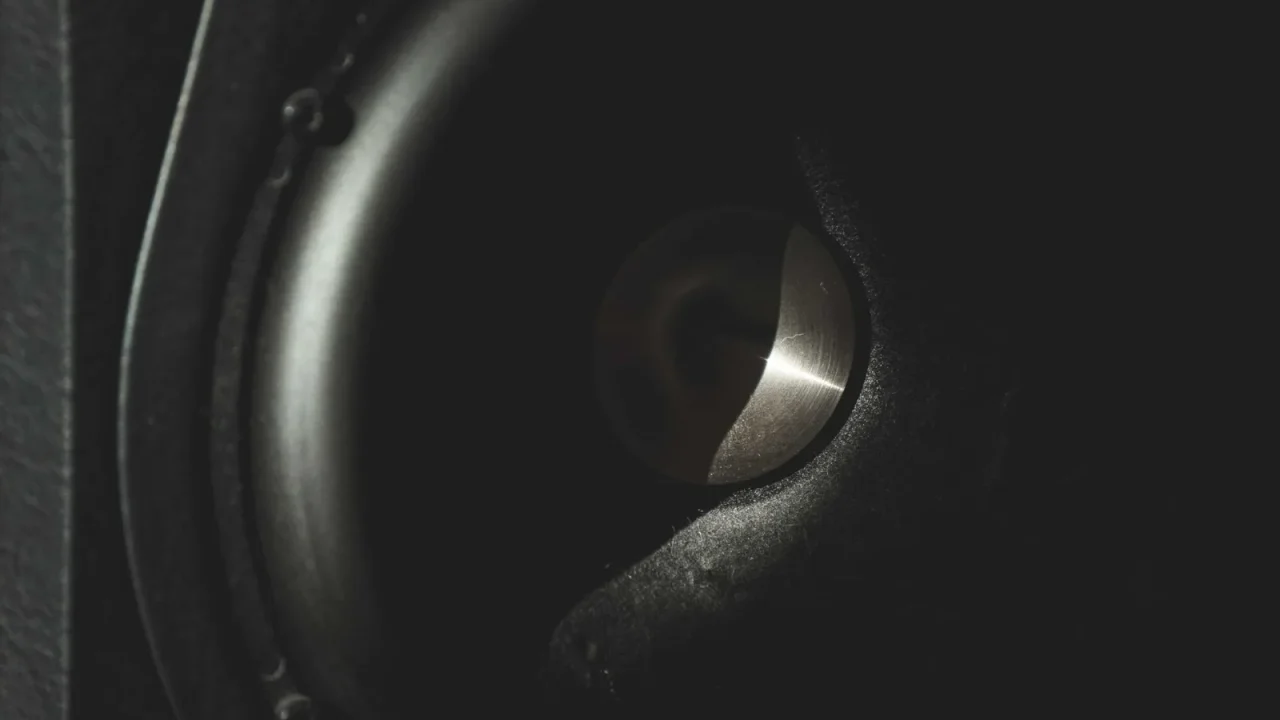
This sound is different: a soft flutter or scratchy buzz that appears only on certain bass frequencies, often between 60 and 120 Hz, and gets worse as the note holds. It points to a physically damaged driver, usually a torn surround, the flexible ring around the cone, or a voice coil rubbing against the magnet gap.
Look at the driver if the cabinet gives access, using a torch angled across the cone. A visible tear in the foam or rubber surround, or a cone that looks pushed in or warped, confirms mechanical damage. Run a single sustained bass tone and rest a fingertip lightly at the cone’s edge. A dragging, scratchy vibration under the fingertip that is not present on a healthy driver of the same size confirms a rubbing voice coil.
If you can see or feel physical damage on a driver, stop testing it at volume. A torn surround gets worse fast once the coil starts contacting the magnet gap, and a modest repair becomes a full driver replacement in a single loud scene.
A torn surround on a subwoofer driver, the kind found in an SVS SB-1000 Pro or a similar sealed sub, calls for a refoam kit or a straight replacement, not an equalizer setting. Continuing to run a torn driver at volume risks pushing the coil fully out of alignment.
Static that has nothing to do with the volume dial
A dry, erratic static that shows up at any volume, including near silent passages, and changes when you touch or move a cable, points to a loose connection rather than a speaker fault. Binding post terminals loosen over months of thermal cycling, and wire connectors corrode faster in a damp basement or a room near a kitchen.
Wiggle test each connection while the fault is present: the terminal at the amplifier end, the terminal at the speaker end, and any inline connector such as a banana plug. A pop or spike in the static exactly when you touch a specific joint identifies the loose point. Reseating a bare wire and trimming back a few millimetres of oxidized copper before retightening the binding post clears the great majority of these faults for good.
Wireless rear speakers add another candidate: the power connector at the speaker itself, which gets bumped during vacuuming or furniture moves far more often than a wired terminal ever does.
A rhythmic tick that lines up with a phone or router nearby
This one has a pattern instead of being random: a soft tick every few seconds, often matching a nearby phone checking for signal, a microwave running, or a router transmitting on a busy channel. Wireless subwoofers and wireless rear speaker kits communicate over 2.4 GHz or 5 GHz radio, the same bands as home Wi-Fi and Bluetooth, and a crowded band causes exactly this kind of periodic dropout.
Move a phone away from the wireless subwoofer’s receiver module and listen for a change within a minute. Switching the router to a 5 GHz band, or moving the subwoofer’s receiver module at least a metre (3 ft) from the router, clears most of these cases without touching a single speaker cable.
A crackle that started right after a firmware update or cable swap
If the crackling began the same day as a soundbar firmware update, a new HDMI cable, or a change to the TV’s audio output setting, the cause is almost certainly digital rather than mechanical. A marginal HDMI cable renegotiating its handshake mid stream produces a brief digital crackle or a muted pop, not a smooth fade, because the connection drops and re-establishes rather than gracefully losing level.
Swap back to the previous cable, or try a second HDMI port on the TV, and see whether the crackle follows the cable or stays with the port. A handshake that will not settle often clears with a shorter, certified cable rather than a longer run bought for convenience. Confirming whether the source is sending bitstream or PCM matters too, since some receivers handle a marginal bitstream signal by muting briefly and popping back in, which reads exactly like a crackling speaker.
| What you hear | Likely cause | Quick test |
|---|---|---|
| Sharp crackle, loud passages only | Amplifier clipping | Lower volume 10 to 15 percent |
| Wet flutter on bass notes | Torn surround or rubbing coil | Feel the cone during a sustained bass tone |
| Static at any volume | Loose or corroded connection | Wiggle test each terminal |
| Rhythmic tick, every few seconds | Wireless interference | Move phone or router away |
| Crackle since a cable or firmware change | HDMI handshake fault | Swap cable or HDMI port |
What it means if the sound still crackles after all five checks
Occasionally none of the five apply. Volume is moderate, the driver looks and feels fine, connections are tight, no wireless interference is present, and the signal chain is solid. At that point the fault is most likely inside the amplifier module itself, a failing capacitor or a damaged output stage, which is a repair or replacement question rather than something a setting will fix.
Before assuming that, run a full troubleshooting pass with a completely different source connected directly, a phone playing music over Bluetooth rather than anything through HDMI. If the crackle disappears with a different source, the original signal chain was the actual fault all along, not the speaker anyone was ready to replace.
A hum instead of a crackle points somewhere else entirely, usually a ground loop rather than any of the causes above, so it is worth ruling that out too if the sound carries a buzzing quality alongside the crackle.
- Lowered volume to rule out clipping
- Inspected the driver for a torn surround or rubbing coil
- Wiggle tested every speaker and cable connection
- Moved wireless devices away from the subwoofer’s receiver module
- Swapped the HDMI cable or tried a different port
The HDMI Licensing Administrator publishes the current HDMI specification, which is the reference worth checking if a cable or port is the suspected cause and you want to confirm what a certified cable is actually rated to carry.
Questions readers ask about this
Usually, yes. Most crackling traces to a loose connection, an amplifier being pushed too hard, or wireless interference, none of which require a new unit. A genuinely torn driver surround is the exception, and even then a single driver can sometimes be replaced rather than the entire soundbar.
No. In eleven years of installs, a damaged driver accounts for a minority of crackling complaints. Loose connections, amplifier clipping, and wireless interference are all more common, and none of them involve any actual damage to the speaker itself.
Action scenes push far more bass and overall level through the system than dialogue does, which is exactly when amplifier clipping and driver damage become audible. A system with a marginal amplifier or a stressed driver can sound clean through a quiet conversation and still crackle the moment a bass heavy effect arrives.
It can, indirectly, if it introduces electrical noise onto the same circuit as the audio equipment, though this is more often heard as a hum or buzz than a sharp crackle. A cheap, unshielded strip shared with a refrigerator or an air conditioner compressor is the usual culprit in those cases.
Check the physical connections first. A factory reset resolves software level faults, but it does nothing for a loose binding post, a torn driver, or wireless interference, which together explain the large majority of crackling complaints technicians actually see.

About the author
Rahul Gupta
Rahul Gupta has spent nearly a decade quietly wiring living rooms, testing soundbars in every awkward apartment layout imaginable, and untangling the kind of HDMI handshake problems that make people give up on Atmos altogether. He writes here about what actually works when you get the boxes home—not what the spec sheet promises. If a piece of gear on this site earns a recommendation, it earned it in a real room with real furniture, not a lab.